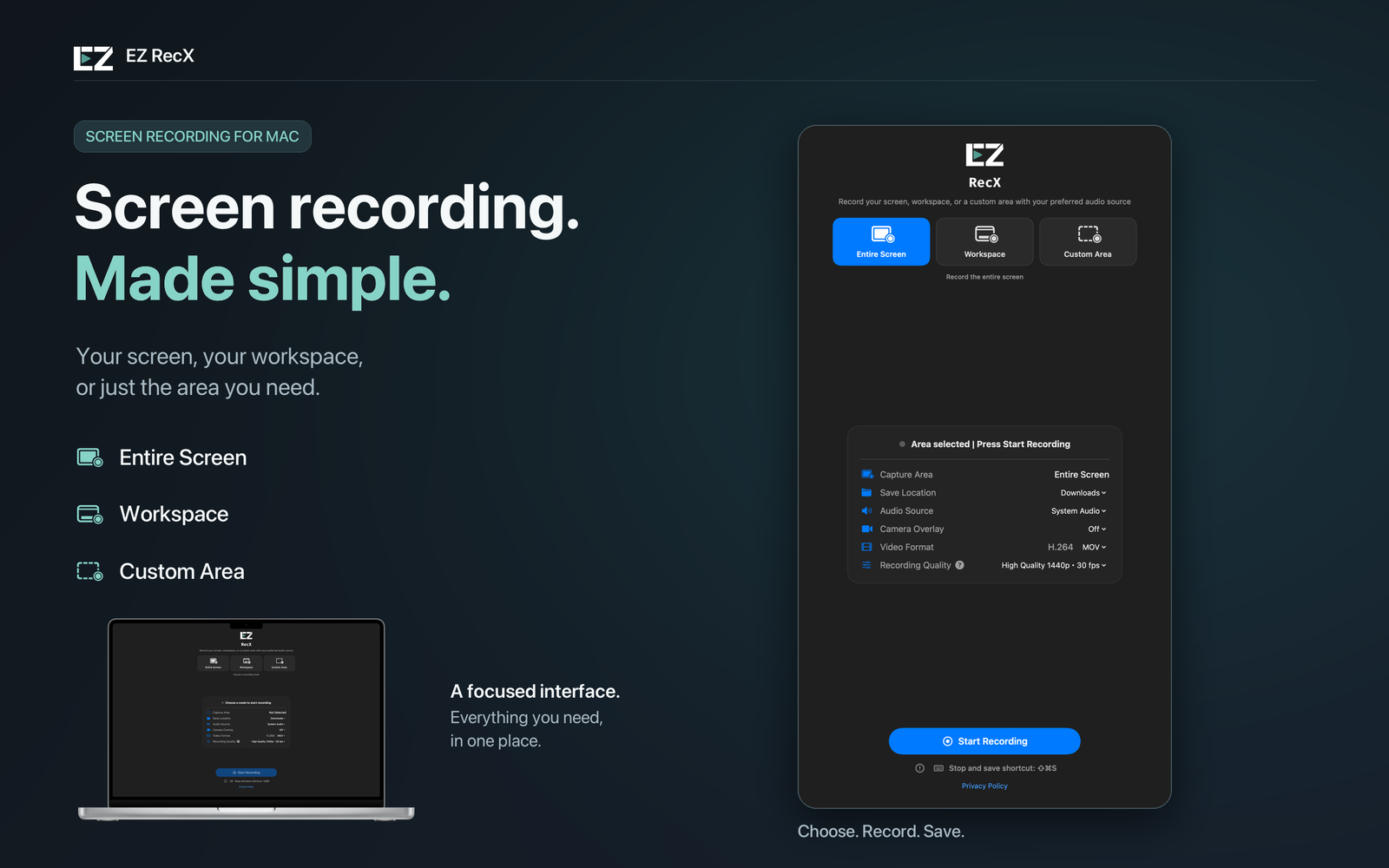
Entire Screen
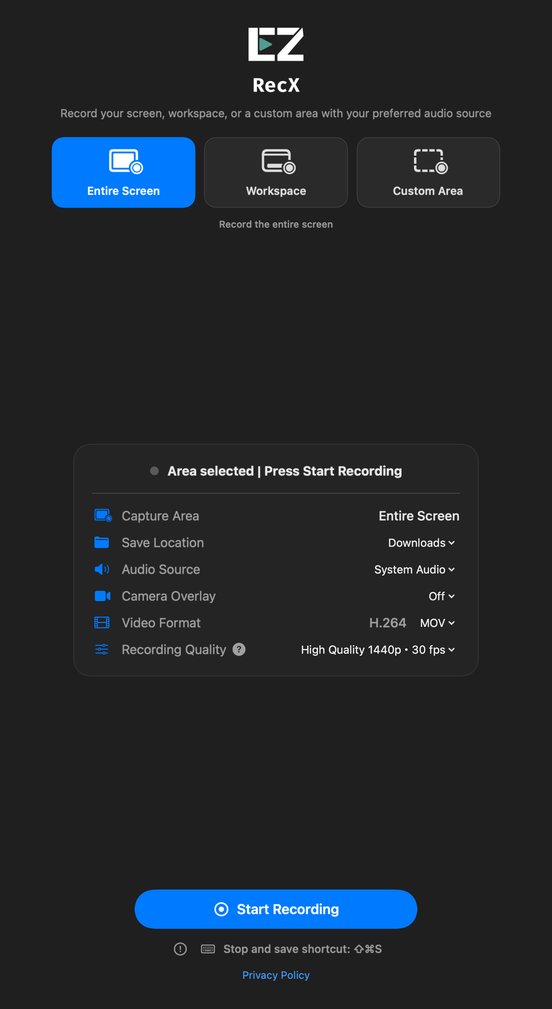
Keep the full picture. Ideal for software demos, presentations, and workflows that move between apps.
SCREEN · AUDIO · CAMERA
A walkthrough. An idea. A lesson.
Capture your screen and sound with EZ RecX.
Make what you mean easier to see.
macOS 26.0 or later
01 / CAPTURE YOUR WAY
From the entire screen to a small detail,
you decide what goes into the frame.
Keep the full picture. Ideal for software demos, presentations, and workflows that move between apps.
Leave out the menu bar and Dock to focus on your desktop workspace. This is not single-window capture.
Drag to select, or enter an exact width and height. Keep the focus on the content you want to show.
02 / MAKE YOURSELF HEARD
Choose system audio, your microphone, or both.
Add your camera to give every explanation a personal touch.
Capture the audio playing on your computer alongside the screen.
Explain each step with your microphone, or turn audio off and record just the screen.
Include your camera image to guide viewers through your demonstration.
03 / KEEP IT SIMPLE
No account to create.
A skippable tutorial helps you get started on your first launch.
Pick a recording mode, save location, audio source, and quality.
Grant the requested permissions. After the countdown, focus on your demonstration.
Click Stop or press ⇧ ⌘ S, then open your video to play it.
YOUR FILES, YOUR CHOICE
Save as MP4 or MOV for your preferred player or editor. Recordings are processed on your device and are not uploaded to developer servers.
CLARITY THAT FITS
Choose 720p, 1080p, 1440p, or up to 4K at a target of 30 fps. Actual output depends on your capture area, display, and settings.
A FEW GOOD QUESTIONS
Yes. EZ RecX is a one-time purchase with no subscription or additional in-app purchases. Check the App Store in your region for current pricing and availability.
Requires macOS 26.0 or later on a compatible Apple Silicon or Intel Mac. This is a macOS app, not an iPhone or iPad app. Please check your operating system before purchasing.
Screen recording requires the relevant screen capture permission. Microphone and camera access require their own permissions when used. Manage them in System Settings → Privacy & Security. If macOS asks you to reopen the app, follow that prompt.
EZ RecX focuses on recording and saving; it does not include a video editor. Workspace excludes the menu bar and Dock, rather than capturing an individual window. Use Custom Area to record a specific part of the screen.
The app and this product website support Traditional Chinese, Simplified Chinese, English, and Japanese. Change the website language using the selector at the top right.
The app does not upload recordings to developer servers. Files are saved to your chosen location. If you choose a cloud-synced folder, that service handles syncing. Before recording, make sure you have the necessary rights and consent, and respect copyright and privacy.

MADE FOR YOUR NEXT IDEA
One purchase. No subscription.
Start your next story with EZ RecX.